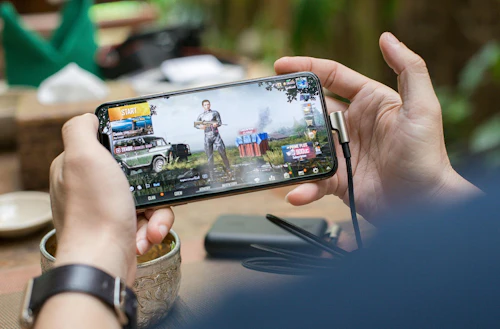
Playing PUBG Mobile on a budget phone in Malaysia shouldn't mean constant lag and frame drops. Whether you're on a Redmi, Samsung A-series, Realme, or POCO, the right settings make a massive difference. This guide covers every tweak you need for graphics, Android optimizations, and network fixes. To get smooth, competitive gameplay without spending a single extra ringgit.
PUBG Mobile Lag Fix for Budget Phones in Malaysia (2026)
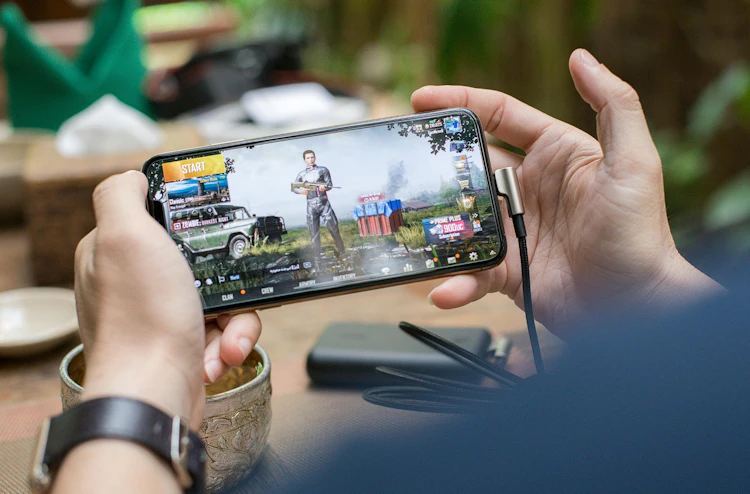
If you're playing PUBG Mobile on a Redmi, Samsung A-series, Realme, or POCO in Malaysia, you already know the frustration: frame drops mid-fight, rubber-banding during the final circle, and your phone heating up like it's been left in the car at noon in KL. Most "pro settings" guides online are written for players with flagship devices. This one is written for the rest of us.
Here's a complete PUBG Mobile lag fix for budget phones in Malaysia, which covers every in-game setting, Android optimization, and network tweak that actually makes a difference in 2026.
Why Your Budget Phone Lags in PUBG Mobile
Before changing anything, it helps to know what's causing the lag. There are three main reasons budget phones struggle:
- Thermal throttling is the biggest hidden problem. Malaysian weather doesn't help — when your phone overheats, the processor automatically slows down to protect itself. A device running at 60 FPS can suddenly drop to 20 FPS mid-match due to heat alone, especially during long sessions or when charging simultaneously.
- Background apps are the second killer. WhatsApp, TikTok, Shopee, and other apps keep running in the background, silently stealing RAM and CPU from your game. On a 4GB RAM device like the Redmi 13C or Samsung Galaxy A05, this matters a lot.
- Wrong in-game settings are the third issue. PUBG Mobile tries to auto-detect your device specs when you first install, but it often gets it wrong, especially on budget phones that are right at the edge of what the game demands.
Fix all three, and your gameplay will feel completely different.
In-Game Graphics Settings (Budget Phone PUBG Mobile Settings)
Set the best in-game settings for your phone in seconds!
Open PUBG Mobile → Settings → Graphics. Apply these settings:
- Graphics Quality: Smooth This is the most important change you can make. Set it to Smooth — not Balanced, not HD. Smooth dramatically reduces GPU load, and in real gameplay, you'll barely notice the visual difference once you're focused on a fight. Running HD or Balanced on a Redmi A7 Pro or Samsung A05 is the number one reason for frame drops.
- Frame Rate: High Setting the frame rate to Extreme (60 FPS) sounds ideal, but if your phone can't maintain it consistently, you'll experience more stutter than if you set it to High. Start with High and test. If you still get drops, move to Medium. A stable 30 FPS beats an unstable 60 every single time.
- Anti-Aliasing: Off Turn it off completely. It's a GPU-heavy effect that smooths jagged edges — something your budget GPU doesn't need to be spending resources on.
- Shadows: Off Shadows are one of the most resource-intensive effects in any 3D game. Disabling them gives a noticeable FPS boost with zero competitive downside. Some players even argue it's easier to spot enemies without shadow clutter.
- Style: Classic Keep it on Classic. Colorful and other modes add extra rendering load that your phone doesn't need.
Android Settings: Background Process Limit (PUBG Mobile)
This is one of the most effective tweaks for PUBG Mobile on Android budget phones, and most players never do it.
How to set Background Process Limit:
- Go to Settings → About Phone
- Tap Build Number seven times until it says "You are now a developer"
- Go back to Settings → System → Developer Options
- Scroll down to Background Process Limit
- Set it to "At most 2 processes"
This tells Android to kill background apps while you're gaming, directly freeing up RAM for PUBG Mobile. On phones like the Redmi 13C, Samsung Galaxy A05, or Realme C67, which all run 4GB RAM, this makes a very real difference.
PUBG Mobile: Most popular competitive esports game in Malaysia

PUBG Mobile isn't just a casual game in Malaysia; it's a serious esports title. Malaysia has one of the most active PUBG Mobile esports communities in Southeast Asia, with local tournaments regularly drawing hundreds of participants across Klang Valley, Penang, and Johor Bahru. These games attract a lot of esports betting in Malaysia, and are among the most popular markets to bet on during big events.
Getting your settings right isn't just about comfort, but it's about competing. Whether you're grinding ranked matches or eyeing the Malaysia esports scene, smooth gameplay on your budget phone is the first step to leveling up.
Phone-Level Optimizations for Malaysian Players
- Enable Game Mode: Almost every Android phone sold in Malaysia in 2026 has a built-in gaming mode. Xiaomi and Redmi call it Game Turbo, Samsung calls it Game Booster, and Realme calls it Game Space. Enable it before every session, as it blocks notifications, prioritizes the game over background apps, and manages heat more efficiently.
- Don't Play While Charging: This is especially important in Malaysia's heat. Charging and gaming simultaneously generate significant heat from both the battery and the processor. Heat causes throttling. Throttling causes lag. Charge your phone fully before your session and unplug before you play.
- Free Up Storage: PUBG Mobile needs at least 4GB of free internal storage to run cleanly. Low storage causes stuttering and random crashes. Use your phone's built-in cleaner, move photos to Google Photos, and delete apps you haven't opened in months.
- Run the In-Game Repair Function: On the PUBG Mobile login screen, tap the wrench icon and run Repair. This clears corrupted game data that builds up after every update patch and causes unexpected FPS drops. Worth doing once a week.
Network Tips: Fix Rubberbanding and High Ping
How to fix rubberbanding and high ping issues in June 2026!
If your game feels smooth but you're rubber-banding or teleporting around the map, the problem is your connection, not your phone.
- Switch to 5 GHz Wi-Fi: The 2.4 GHz band is heavily congested in Malaysian apartments and housing areas, especially during evening hours (8 PM–11 PM). If your router supports 5 GHz, connect to it for noticeably lower ping and more stable packet delivery.
- Change Your DNS: Your default Maxis, Celcom, or Unifi DNS routing isn't always the fastest path to PUBG Mobile's servers. Switching to Cloudflare DNS (1.1.1.1) or Google DNS (8.8.8.8) takes about two minutes and can reduce in-game latency on Malaysian networks.
Recommended Settings Summary
Get the best mobile settings for PUBG mobile lag-free gameplay on budget phones!
Best settings to change in June 2026. Apply these exact values to your PUBG Mobile and Android settings for the best lag-free experience on any Malaysian budget phone.
| Setting | Recommended Value |
|---|---|
| Graphics Quality | Smooth |
| Frame Rate | High |
| Anti-Aliasing | Off |
| Shadows | Off |
| Style | Classic |
| Background Process Limit | At most 2 |
| Game Mode | On |
| Play while charging | Never |
Best Budget Phones for PUBG Mobile in Malaysia (2026)
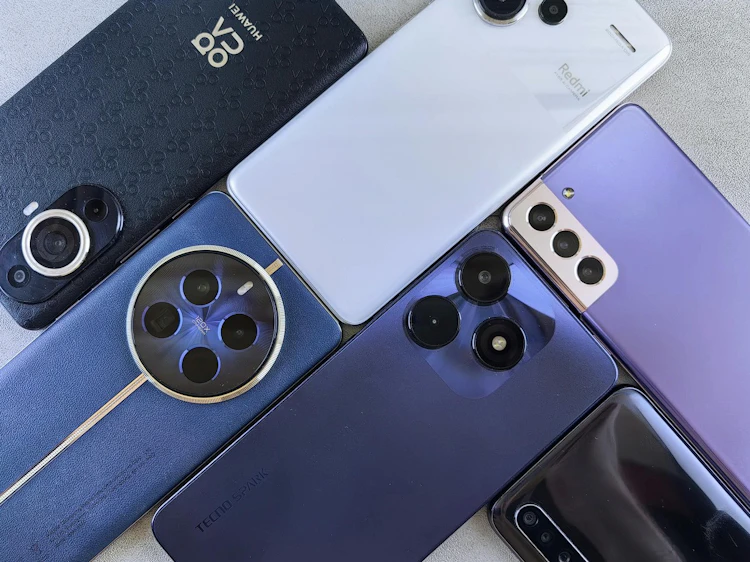
Cheap, fast, and overall great budget phones for playing PUBG Mobile in Malaysia
If you're on one of the current popular budget phones in Malaysia, here's what to expect and whether to upgrade:
- Redmi 13C / Redmi A7 Pro (RM399–RM499): Playable on Smooth + Medium settings. Use all the tweaks above. Expect 30–40 FPS.
- Samsung Galaxy A05 / A06 (under RM600): Similar to Redmi 13C. Enable Game Booster before every session.
- Realme C67 / Realme Note 70 (RM449–RM599): Handles Smooth + High settings reasonably well. Good budget PUBG Mobile choice.
- POCO M7 4G / POCO C85 (RM439–RM499): Better GPU than the entry-level options. Can hit stable 40–50 FPS on Smooth + High.
- Redmi Note 15 4G (RM799): The best budget PUBG Mobile experience under RM800. Smooth + High settings with consistent frame delivery.
If you're on a very tight budget and your phone has 2–3GB of RAM, consider switching to PUBG Mobile Lite, because it's designed specifically for low-end devices and runs on phones with as little as 1GB of RAM, featuring 60-player matches optimized for budget hardware.
You don't need to spend RM 2,000 on a phone to enjoy PUBG Mobile in Malaysia. The right settings, a cool device, and a few Android tweaks go a very long way, and now you have all of them.
Bet on PUBG Mobile in Malaysia

Uwin33 Malaysia is a fantastic bookmaker for PUBG Mobile and esports betting in general, offering several welcome bonuses for Malaysian customers.